


Who is Sailify for?
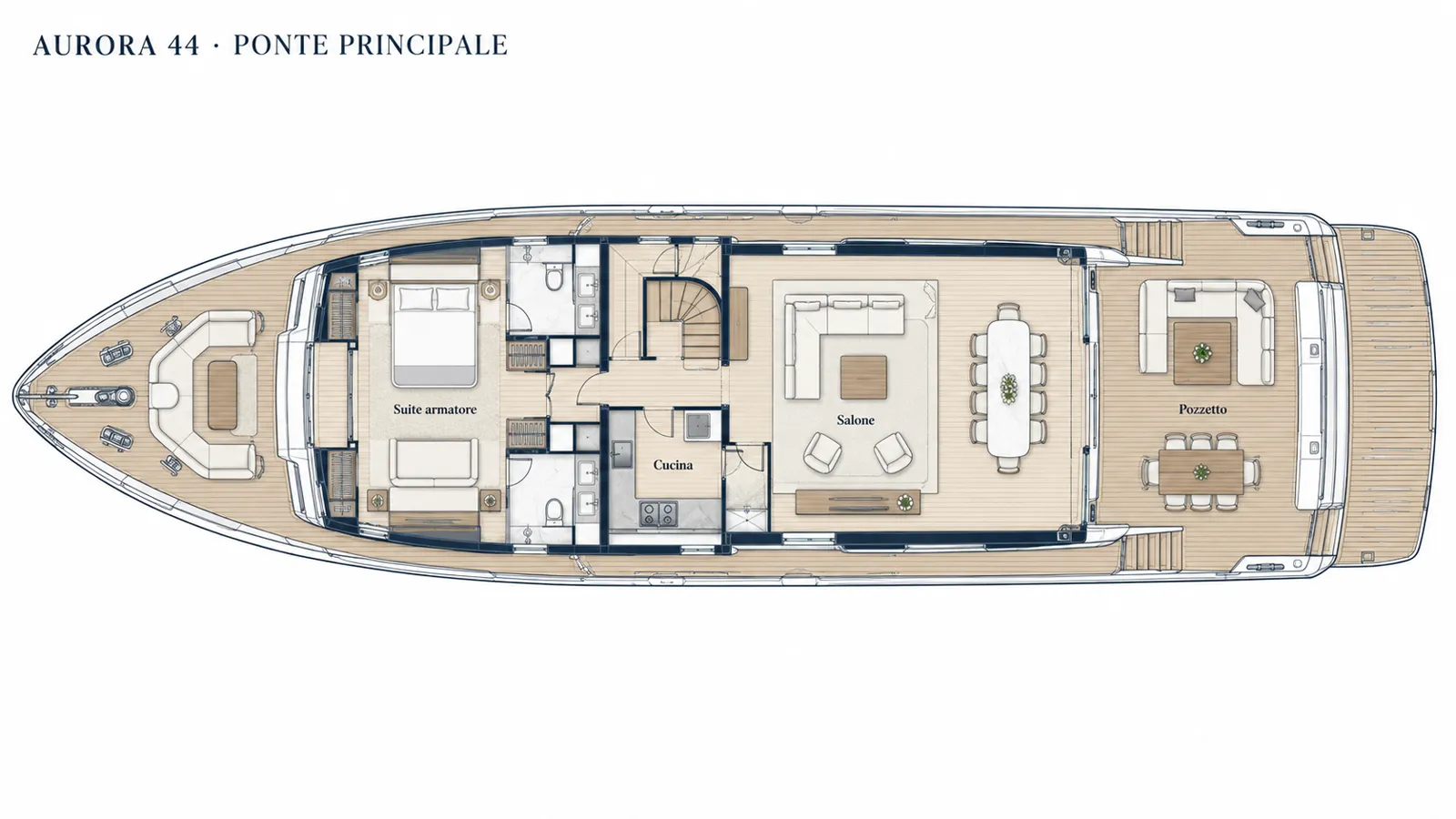
Sailify is for yacht builders, construction and refit yards, quality teams and after-sales services that need to coordinate work, suppliers and documentation across one or more yachts.
Shipyards · Refit · After-sales
Give every job its context. Sailify connects work items, onboard locations, contractors and dates to follow the work from the first issue to internal review.
For shipyard teams, contractors and yacht representatives.
From the plan to the review
A photo in a chat is just the start. The work continues with a precise reference, a responsible contractor and evidence for the team reviewing it.
Choose your workflow
01 / Yacht Quality and Delivery
From surveys to pre-handover, bring punch lists, photographs, suppliers and checks into one workflow for each yacht. Quality remains visible in the detail of completed work.
Explore this workflow02 / Warranty and After-Sales
From the client's first report to the technician's visit, connect the issue to the yacht, onboard area and supplier. Retain photographs, decisions and progress over time.
Explore this workflow03 / Shipyards and Refit
Assign interventions, organise dates and connect quotations and documents. Each supplier enters its own operational context while the shipyard retains the overall project view.
Explore this workflow04 / Supplier and Cost Control
Coordinate assigned suppliers, quotation requests, responses and cost information without separating the commercial discussion from the yacht intervention it concerns.
Explore this workflow05 / Owner Representatives and Crew
Give each participant an appropriate view of the yacht, share focused work lists and turn selected interventions into clear reports without losing the underlying detail.
Explore this workflowQuality · warranties · after-sales
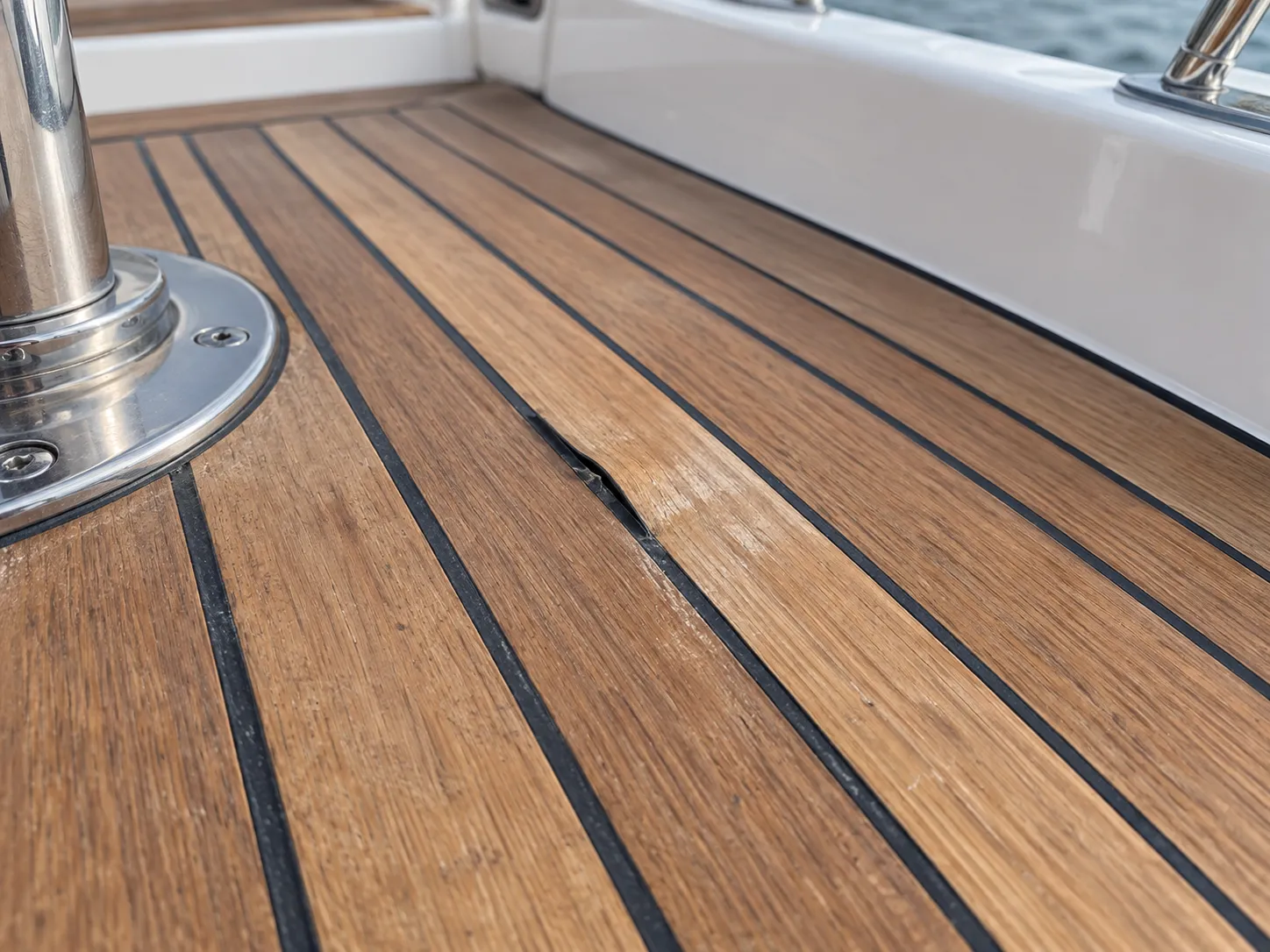
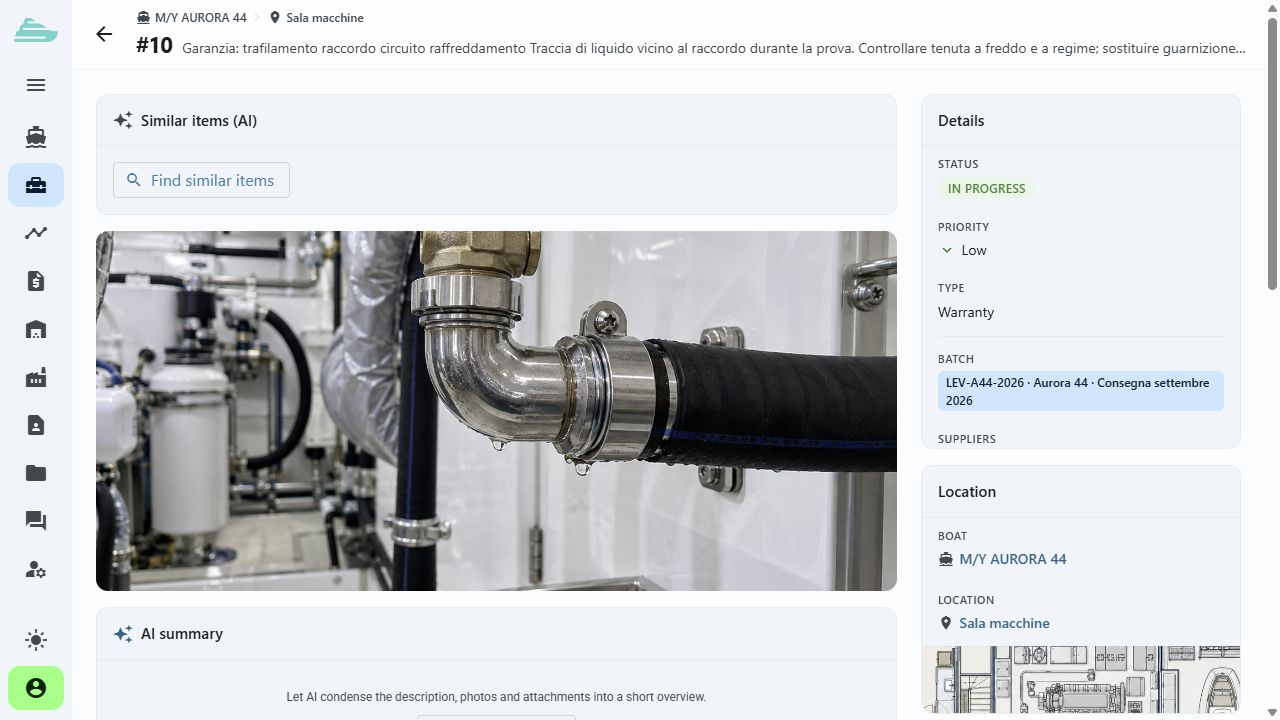
The defect, photographs, onboard area and supplier stay together in the same record. The supplier marks the work as completed; the internal team reviews the evidence and updates the outcome of the intervention.
The shipyard meets its suppliers
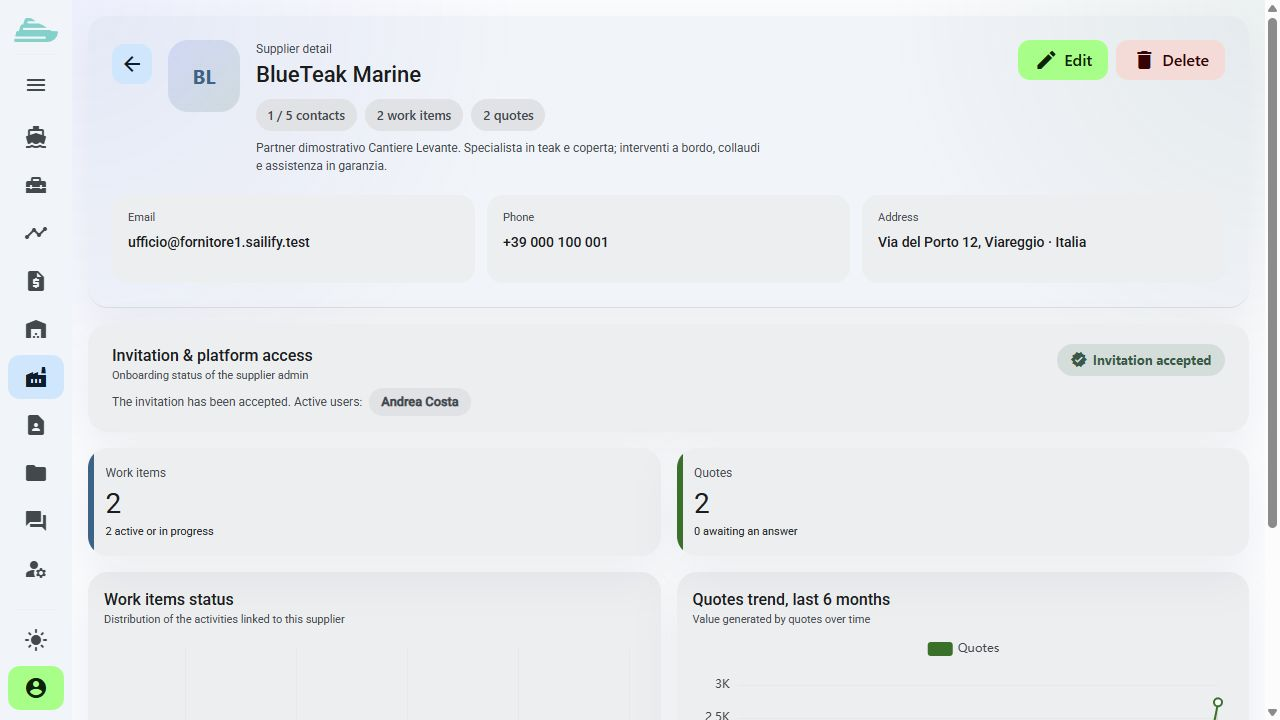
Assign work to suppliers, involve their operators and connect quotations to the interventions. The technical and commercial comparison starts from the same reference.
Shared data, personal views
Prepare lists for deliveries, client visits and inspections. Filter work items, share their context and generate PDF reports with photographs of the interventions.
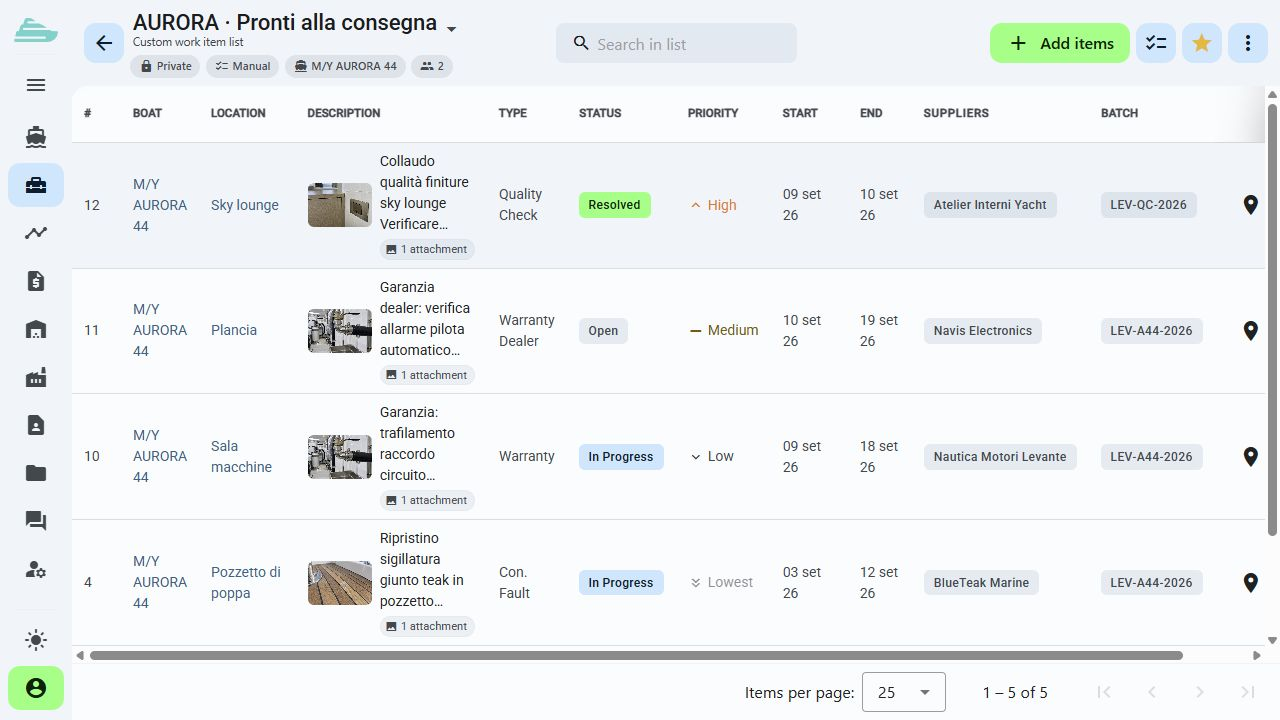
One product, ten connected areas
Each feature meets at the work item: people, documents, dates, quotations and checks remain part of the same traceable process.
Explore the platformFrequently asked questions
Sailify is for yacht builders, construction and refit yards, quality teams and after-sales services that need to coordinate work, suppliers and documentation across one or more yachts.
The product tour shows the SaaS interface with two yachts and demonstration data. In a guided demo, we focus on the use cases that matter to your organisation.
We define the yachts, roles, General Arrangements and records to load. We then review your existing material and agree the onboarding path and any historical data migration.
The platform provides dedicated company records, invitations and profiles. The yachts, work items and information each person can see depend on assignments and permissions.
During the demo, we identify the data to exchange and the systems involved. The scope of any integration is assessed for your specific case.
Tell us how you currently manage work, quality and warranty cases. We will prepare a focused demo and define a practical first adoption path with you.