01
Yacht timeline
Make the shipyard schedule visible
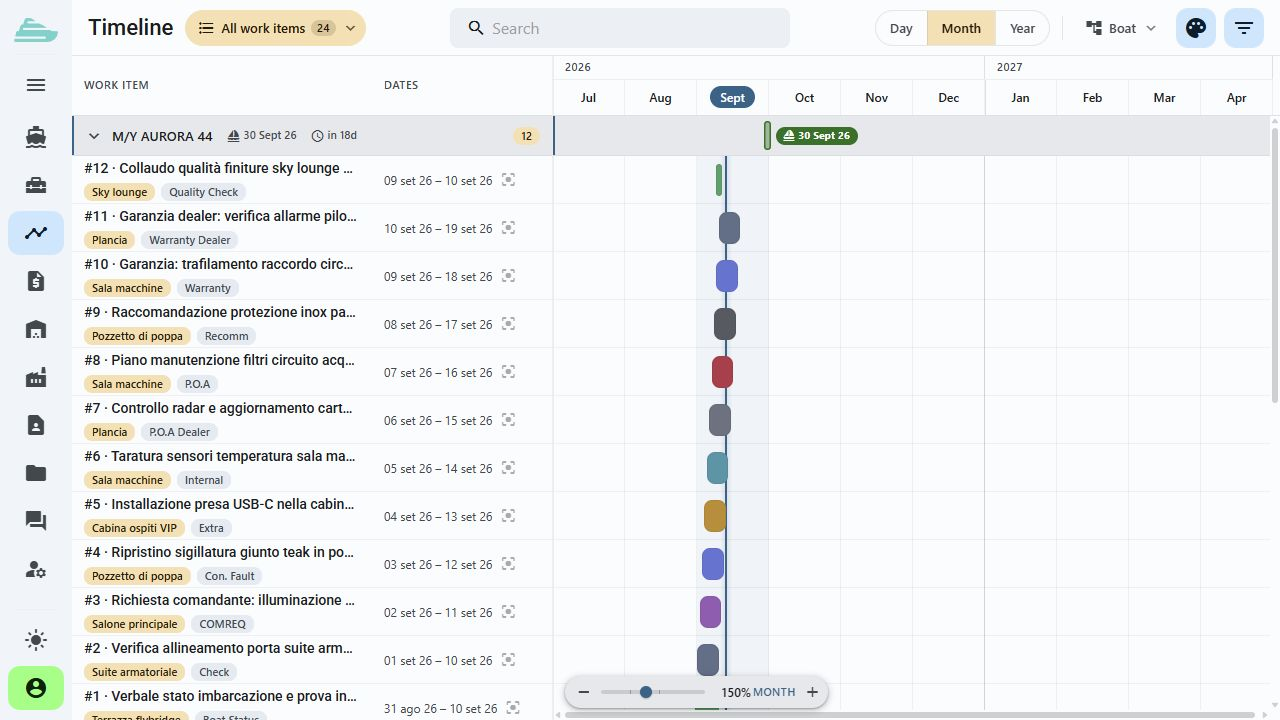
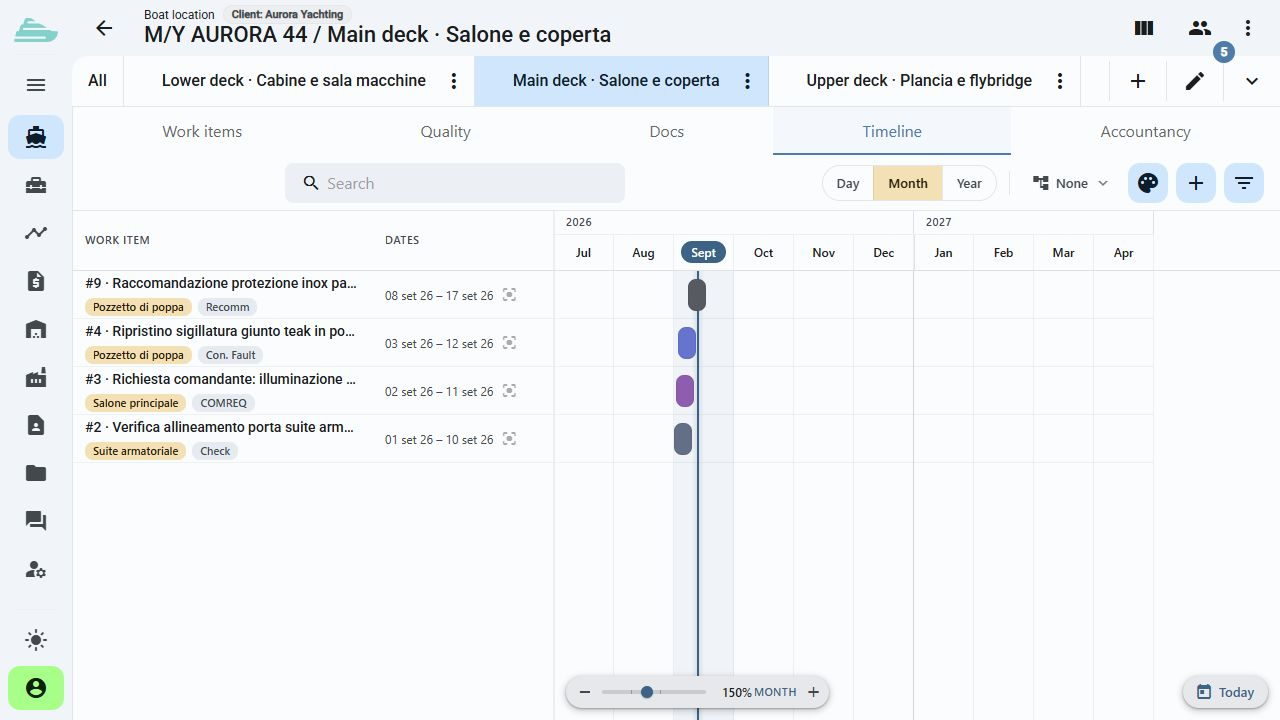
The timeline adds a time-based view to the work list. Use dates, deadlines and work item references to discuss the sequence of interventions with the team.
See the workflow in a demoPlanning discussions start from the same work items that the team manages each day.
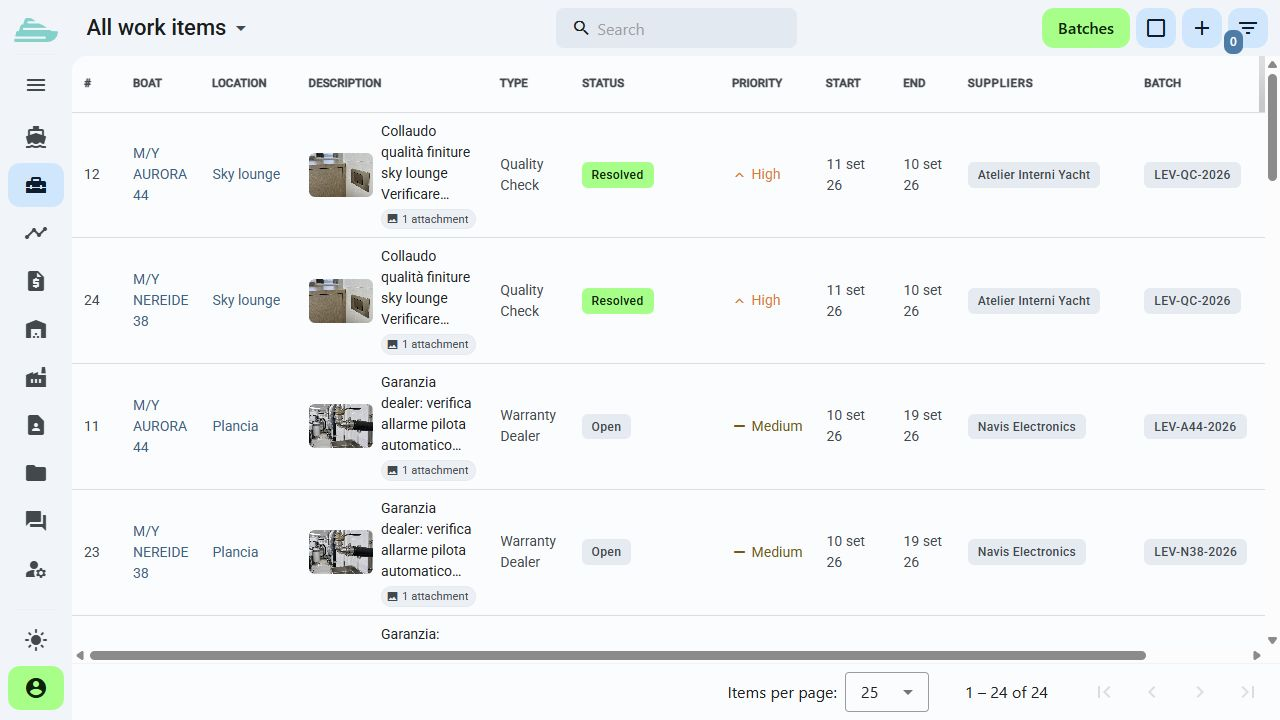
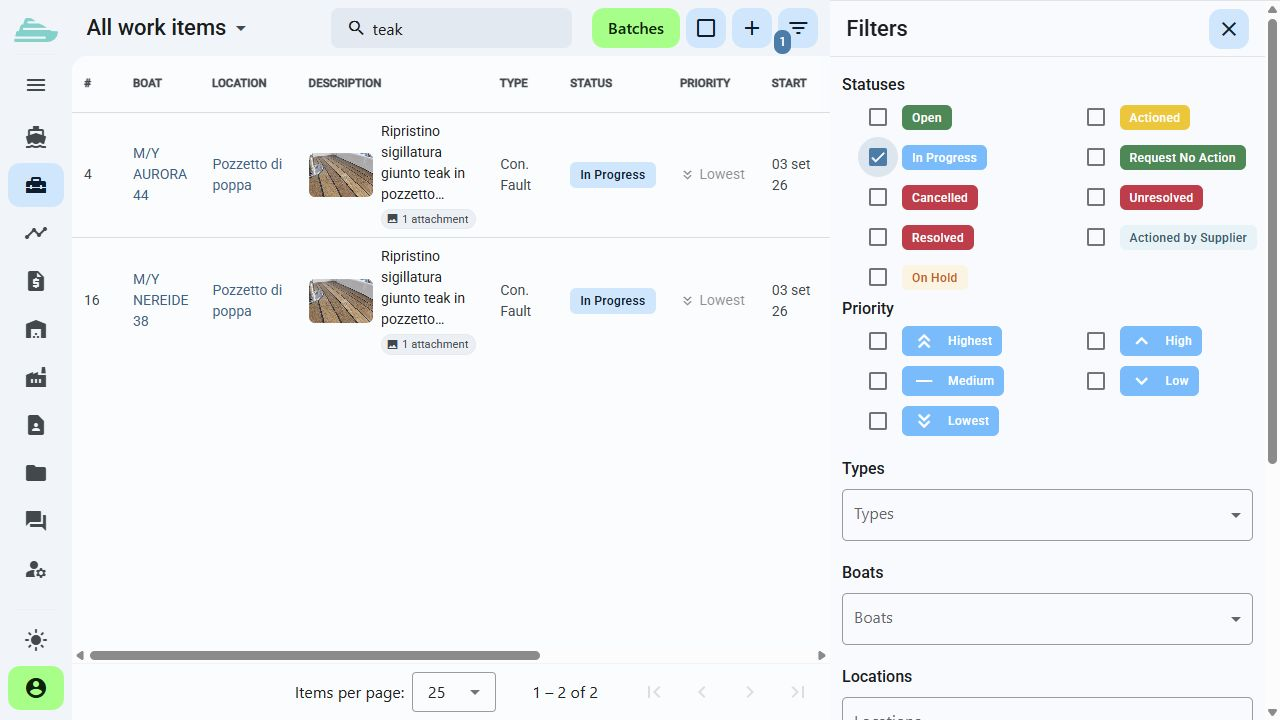
Group work items by yacht, contractor, area or type. Filters and lists bring the relevant tasks into your project meeting.
Inside Sailify
Work item dates provide the reference for organising interventions and reviewing deadlines.
Review items on a timeline and open the detail whenever you need to check status, location or responsible supplier.
Read priority and status alongside dates to discuss which activities need attention before delivery or an onboard visit.
Yacht, batch, supplier and location remain attached to the work item while it is being planned.
The workflow
Authorised users can reschedule dates by dragging intervals on the timeline. Open the work item to check its status, area and assigned team.
Explore work item detailsSet the dates for each intervention.
Review their distribution on the timeline.
Check the detail and responsible parties.
Update the work items when the programme changes.
Inside Sailify
Explore the application screens with demonstration yachts, people and content.
Practical guides
Tell us how you currently manage work, quality and warranty cases. We will prepare a focused demo and define a practical first adoption path with you.